
4 min read
Security Risks 2025: Top 4 Threats to Your Business Network
Your connected printers can be exposing your company to unnecessary security risks. Although the networked printer can bring many benefits to the...
3 min read
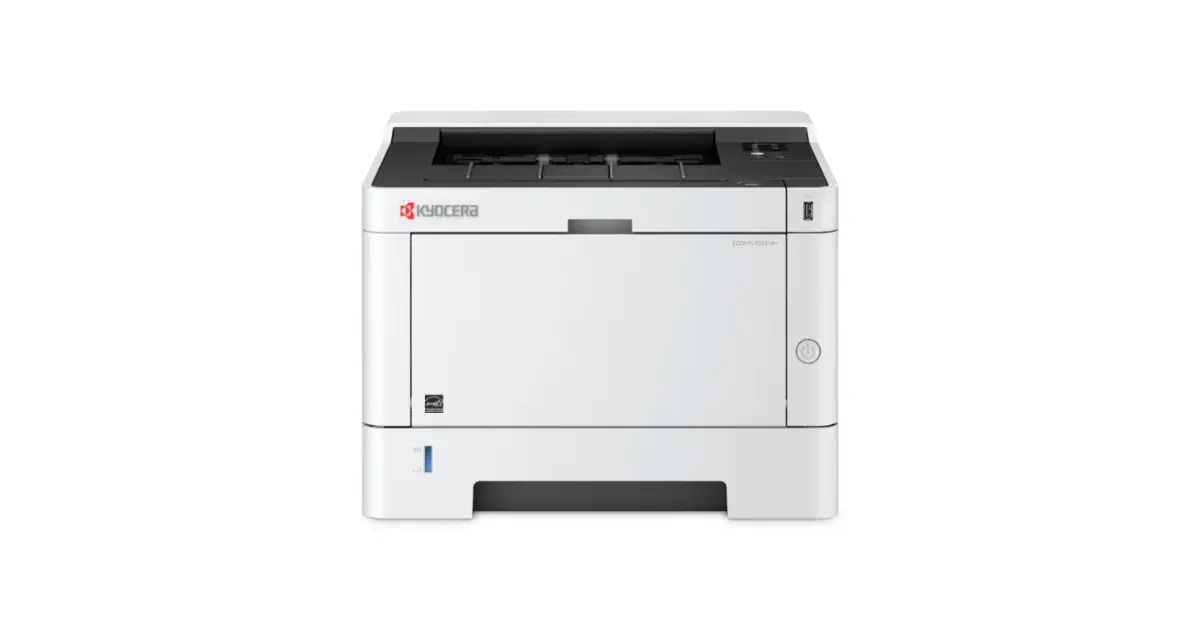
In the age of digital threats, it can be easy to overlook one essential device in the modern workplace: the printer. Printer security risks are significant and can have the same impacts as any data breach, including damage to reputation, loss of customers, and fines and lawsuits, if your devices are not properly protected against malicious activity.
Whilst the connection to your network is not as visible as it is with your computer, printers and multifunction devices still store data and have internet access, which can leave them vulnerable. With the right skillset, hackers can access any information that you've printed, scanned or copied using your devices, just as they could gain access to files on your laptop. They could also use your printer as a backdoor to your company network, potentially giving them access to all your data.
So, how do you prevent this from happening? It starts with identifying the printer security risks your organisation is vulnerable to and then mitigating them.
Six primary printer security risks affect all devices.
How do you secure your printer against these threats? Kyocera follows a Confidentiality, Integrity, Availability approach to help ensure your devices and the data they store remain secure. By using printer security features, such as device-level protection, authentication, and software and software-as-a-service (SaaS), you can protect every device in your organisation from malware or unauthorised access. Data encryption ensures your information is secure, reducing the risk of a data breach.
Confidentiality: Specific staff are granted authorisation to access the files they need. Reducing the number of users with access to confidential information, such as customers' personal data, reduces the risk of a breach.
Integrity: The integrity of your data is protected with anti-malware software and data encryption so that your documents cannot be altered by a malicious third party. This means you can rest assured that your files are always accurate.
Availability: Because only a limited number of users can access your information, it's crucial to ensure they can do so whenever needed, using sophisticated content management software that integrates seamlessly with your devices.
Modern Kyocera printers are engineered with comprehensive security features from the ground up. Both our ECOSYS range for everyday business printing and TASKalfa series for production environments incorporate advanced security technologies, including secure boot capabilities, firmware verification, encrypted data transmission and automatic security updates. These enterprise-grade features ensure your printing infrastructure remains protected against evolving cyber threats whilst maintaining optimal performance and reliability.
ECOSYS printers feature Kyocera's proven long-life imaging technology, which not only reduces environmental impact and total cost of ownership but also minimises security vulnerabilities associated with frequent component replacements. TASKalfa devices offer enhanced security options, including hard disk encryption, secure print release and comprehensive audit logging, making them ideal for organisations handling sensitive documents or operating in regulated industries.
Mitigating printer security risks is essential in both shared workplaces, such as offices, and hybrid work environments. Home office printers are a commonly overlooked security threat and businesses must take care to supply their hybrid workers with secure remote printing solutions, or risk a cybersecurity incident.
In the digital age, security is of the utmost importance to every business, large or small. However, as data volumes grow and hybrid work models gain popularity, organisations need a trusted security partner to provide expertise and grow with them.
Kyocera has been identified as a 'Major Player' in print and document security by the International Data Corporation. The interplay of print and document security is increasingly complex in the era of remote work. But Kyocera customers can count on our industry-leading expertise and proven ability to protect their business. Download our guide to learn more about our specialised document security solutions.

KYOCERA Document Solutions provides document management solutions that improve document cost control and security, while delivering greater productivity, reliability and uptime.

4 min read
Your connected printers can be exposing your company to unnecessary security risks. Although the networked printer can bring many benefits to the...

3 min read
How secure is your business data? For many companies, data protection is an ongoing concern. Sensitive, confidential and important business...

2 min read
With many employees working from multiple locations throughout the week, the volume of digital documents shared within organisations continues to...