

<img height="1" width="1" style="display:none" src="https://www.facebook.com/tr?id=1741336722824154&amp;ev=PageView&amp;noscript=1">
Skip to the main content.

Print Solutions

Benefit from smart ideas, lower costs, greater productivity. Choose from award-winning printers, software solutions and consumables

Insights

We combine professional expertise with a human kind of partnership

Support Centre

Get the right help and advice, register a product and see why our commitment to you matters.

2 min read

Kyocera OAuth2.0 Authentication Support

Kyocera OAuth2.0 Authentication Support

Print and send emails and attachments from Microsoft Exchange Online on any Kyocera device

Kyocera devices and Microsoft have traditionally used basic authentication to send emails, print emails, and receive Internet faxes.

With the move to OAuth2.0 authentication support in Exchange Online, Microsoft have announced that Basic Authentication in Exchange Online will be discontinued, and features that involve receiving mail (Incoming and Printing) using Basic Authentication will no longer be available in Exchange Online. Additionally, from December 2026, it will no longer be possible to use functions that involve sending mail (Send Mail during scanning) using Basic Authentication.

The TASKalfa MZ7001 series of colour and mono MFPs has been designed to support a new authentication method, advanced authentication (OAuth2.0), which is a secure token-based authentication and authorisation method. This allows users to send and receive email without using the Exchange Online Connector Utility. 

Exchange OnLine TASKalfa xx54ci/x004i series TASKalfa MZ7001 series
Receive Mail Basic Authentication x x
OAuth2.0 Authentication *1 o
Send Mail Basic Authentication *2 *2
OAuth2.0 Authentication *3 *4


* 1 Supported with running change or using the Exchange Online Connector Utility

* 2 Personal account (outlook.com, Hotmail.com): Not available Organisation account: Not available after Sep. 2025

* 3 To be supported with a running change

* 4 Only the mail address set for the device can be used (User authentication cannot be sent by email address for each user.

Below is a list of Kyocera devices that currently support OAuth2.0, together with a list of devices that are scheduled for firmware upgrades for future OAuth2.0 support and expected launch dates.


Kyocera devices currently supported or scheduled to be supported

 
Devices that support OAuth2 natively for both SMTP and POP3 Devices that are scheduled to be supported with Firmware upgrades Scheduled for release date
TASKalfa MZ2501ci TASKalfa 2554ci Available end of March 2026
TASKalfa MZ3501ci TASKalfa 3554ci
TASKalfa MZ4001ci TASKalfa 4054ci
TASKalfa MZ5001ci TASKalfa 5054ci
TASKalfa MZ6001ci TASKalfa 6054ci
TASKalfa MZ7001ci TASKalfa 7054ci
TASKalfa MZ5001i TASKalfa 5004i
TASKalfa MZ6001i TASKalfa 6004i
TASKalfa MZ7001i TASKalfa 7004i
ECOSYS PA4000x TASKalfa MZ3200i
ECOSYS PA4000wx TASKalfa MZ4000i
ECOSYS MA4000x TASKalfa MA3500ci
ECOSYS MA4000fx TASKalfa MZ4500ci
ECOSYS MA4000wifx ECOSYS PA3500cx
ECOSYS MA2101cfx ECOSYS PA4000cx
ECOSYS MA2101cwfx ECOSYS PA4500cx
ECOSYS MA2600cfx ECOSYS PA4500x
ECOSYS MA2600cwfx ECOSYS PA5000x
ECOSYS PA2101cx ECOSYS PA5500x
ECOSYS PA2101cwx ECOSYS PA6000x
ECOSYS PA2600cx ECOSYS MA3500cix
ECOSYS PA2600cwx ECOSYS MA3500cifx
  ECOSYS MA4000cix
ECOSYS MA4000cifx
ECOSYS MA4500x
ECOSYS MA4500fx
ECOSYS MA4500ix
ECOSYS MA4500ifx
ECOSYS MA5500ifx
ECOSYS MA6000ifx


Kyocera Exchange Online Connector

For existing Kyocera MFP/printer devices that are not scheduled to support OAuth2.0, the ability to send, receive and print email, and receive Internet faxes from Exchange Online is possible via the Kyocera Exchange Online Connector Utility.

Benefits

  • Easy-to-Use - Simple to set up and no training is required to use.
  • Convenience - It is not necessary to upgrade the current device firmware.
  • Supported Mail Servers - Supports Microsoft 365, Outlook, Hotmail, and Live.com.
  • Supported MFP/Printers - Supports all Kyocera MFP/printers with mail reception

Please follow the steps to download, install and use the Kyocera Exchange Online Connector Utility application. 

  1. Download the Kyocera Exchange Online Connector Utility, click here.

  2. Once downloaded, please follow these instructions to install and configure the application. 

  3. A user guide for the Kyocera Exchange Online Connector Utility can be found here


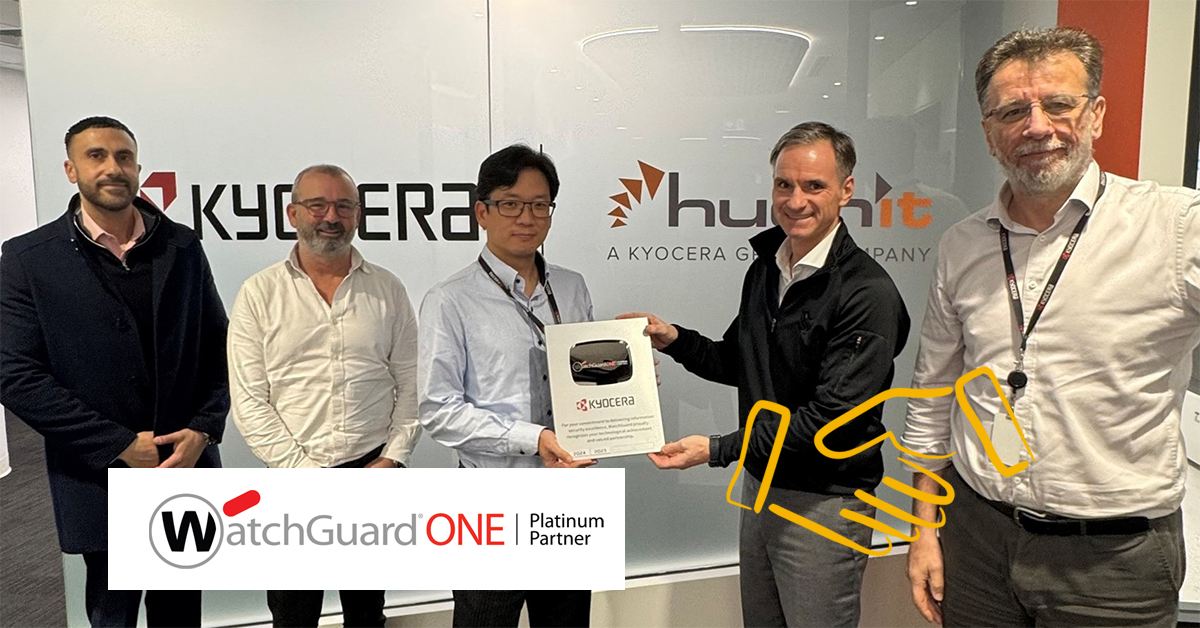
Kyocera Document Solutions Australia Achieves Platinum Partner Status with WatchGuard for Second Consecutive Year

Kyocera Document Solutions Australia Achieves Platinum Partner Status with WatchGuard for Second Consecutive Year

Kyocera Document Solutions Australia (Herein “Kyocera”) is proud to announce that it has once again achieved Platinum Partner status with WatchGuard...


Read More
Kyocera Document Solutions Named a Major Player in IDC MarketScape

Kyocera Document Solutions Named a Major Player in IDC MarketScape

Kyocera Document Solutions, Inc. (President: Hironori Ando; hereinafter: Kyocera) is pleased to announce that it has been recognised as a Major...

Read More
Solar power generation system is now fully activated at Vietnam Plant

Solar power generation system is now fully activated at Vietnam Plant

Kyocera Document Solutions Inc.(President:Hironori Ando; hereinafter:Kyocera) is pleased to announce that the solar power generation system installed...

Read More