
2 min read
How to set up your IT infrastructure for growth
As many organisations adopt hybrid working models, companies that are managing complex in-house technology or haven't optimised their IT...
3 min read

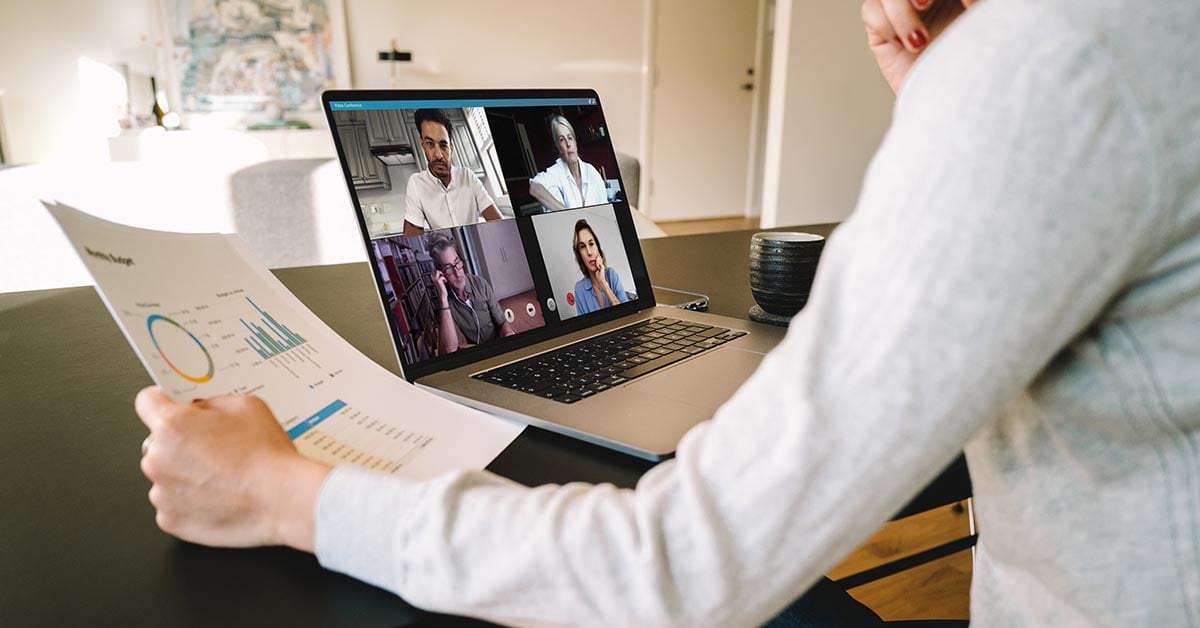
The modern workplace has evolved significantly, embracing a hybrid model that combines on-site collaboration with remote flexibility. This new way of working fuses co-located teams, remote employees and those who do both, creating a dynamic environment that requires the right technology foundation. Success in this environment depends on having cloud-based business solutions, robust document management systems and intelligent process automation to keep distributed teams connected and productive.
As organisations optimise their hybrid working models, it's become clear that there isn't a one-size-fits-all approach. However, the right hybrid workplace technology can be the difference between a set-up that is effective, efficient, collaborative, productive and scalable, and one that isn't.
A hybrid workforce can't tap into the unique benefits of mixing remote and co-located work if they aren't equipped for the job. Let's explore the essential technology that will help your business achieve a successful hybrid working model.
Business automation allows employees to focus on higher-value duties while repetitive administrative and processing tasks are automated, significantly reducing time and costs. Robotic process automation and intelligent capture enable this transformation and can be applied to collect and analyse data, interface between systems and complete routine tasks. Now that the monotonous work is taken care of, employees are freed up to engage in more strategic and creative projects.
Modern automation platforms can transform entire workflows. For example, invoice processing automation can reduce processing time from days to hours, automatically capturing data, routing approvals and integrating with financial systems—all while maintaining full compliance and audit capability.
Hybrid workplaces have employees working in multiple locations—whether that's in the office, at home or anywhere in between. Managing the stream of information between all these distributed employees requires a robust document management solution. An enterprise content management (ECM) system is an essential hybrid workplace technology as it allows a business to manage all data and content in a single location while streamlining processes through automated classification, approval workflows and intelligent search capabilities.
Kyocera Digital Workplace Solutions provides comprehensive content management that goes beyond simple file storage. These systems play an important role in helping businesses manage the complexity of data and assets, while making information readily available to decentralised teams and employees. Features like version control, automated retention policies and secure access controls ensure teams can collaborate effectively regardless of location while maintaining compliance and governance requirements.
In the hybrid workplace, one of the most significant benefits of mobile technology is how it enhances employee freedom and flexibility. With mobile devices, staff can work anywhere, anytime—enabling them to decide how, when and where they do their best work and deliver optimised results. Add to this the ability to quickly print something straight from their mobile device to any connected printer, and you have a win-win situation.
Modern mobile printing solutions support multiple protocols, including AirPrint, Mopria and Google Cloud Print, allowing seamless printing from smartphones and tablets. This capability is particularly valuable for hybrid teams that need to print documents when they visit the office or share physical materials during client meetings.
Cloud print management is essential hybrid workplace technology for the modern era of work. The ability to easily and quickly print without complex hardware configurations or local drivers is key to a successful hybrid office setup. What smart business wouldn't want fast, secure, cloud-based printing for users, with less strain on IT resources?
Additionally, cloud print management enables organisations to monitor print usage and analyse data for informed decision-making—from anywhere and at any time. IT teams can remotely deploy printers, update firmware, monitor consumables and troubleshoot issues without being physically present, significantly reducing support overhead while maintaining security and compliance.
Hybrid teams require seamless communication tools that work across all locations and devices. Integrated communication platforms that combine instant messaging, video conferencing, file sharing and project management capabilities are essential for maintaining team cohesion and productivity. These tools should integrate naturally with your existing business systems, including your ECM and automation platforms, to create a truly connected digital workplace.
Moving business applications to the cloud provides hybrid teams with anywhere, anytime access to the tools they need. Cloud-based solutions for email, calendaring, customer relationship management (CRM), enterprise resource planning (ERP) and other core business functions ensure consistency of experience whether employees are in the office or working remotely. Cloud applications also simplify IT management, automatic updates and scalability as your business grows.
With employees accessing business systems from multiple locations and devices, robust cybersecurity becomes paramount. Multi-factor authentication, virtual private networks (VPNs), endpoint protection and secure cloud access are no longer optional—they're essential components of any hybrid workplace technology stack. Regular employee security training and clear policies on device usage and data access help maintain security across your distributed workforce.
Building a resilient and productive hybrid work environment requires the right combination of hardware, software and processes. Kyocera's cloud-powered solutions provide an integrated technology stack designed specifically for hybrid workplaces, combining document management, process automation, secure printing and mobile capabilities in a unified platform.
Explore how managed IT services can help your organisation implement and optimise these technologies, ensuring your hybrid workforce has the tools they need to succeed regardless of where they work.

Kyocera Document Solutions provides innovative products, software and ICT services for hybrid work environments, enabling businesses to implement smart workplace solutions that drive business transformation and resilience.

2 min read
As many organisations adopt hybrid working models, companies that are managing complex in-house technology or haven't optimised their IT...
3 min read
Today's business environment demands organisations be prepared for disruption at any moment. According to Gallup's 2025 research, hybrid work has...
3 min read
The COVID-19 pandemic has changed the workspace forever. There won't be a return to 'normal'; rather, the office is evolving to the 'next normal'....