
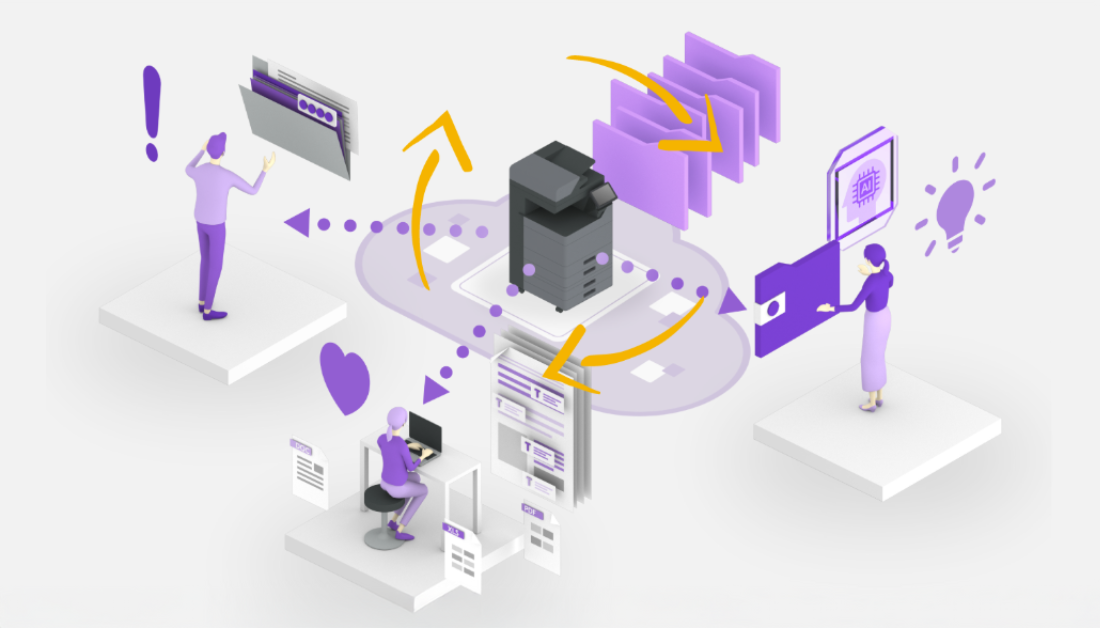
Kyocera Cloud Capture
Digitise your documents with the power to Scan to Cloud technology
Harness the power of Scan to Cloud technology with Kyocera Cloud Capture. This innovative document solution allows businesses to streamline and enhance workflows by capturing and digitising data.
Let Kyocera Cloud Capture’s Scan to Cloud technology transform your Kyocera device into a digitisation hub. Available on selected TASKalfa devices with HyPAS and scanning capabilities, this digital scanning platform can be easily installed and implemented into your document workflow.
Take document management and scanning to the next level with Kyocera Cloud Capture’s Scan to Cloud technology and talk to a solutions implementation expert today!
How can Kyocera Cloud Capture help your business?
Data Capture
Turn paper into data and ensure that all incoming documents are seamlessly integrated into your business processes.
Advanced Data Extraction
Utilise data extraction technology to capture key information from documents, such as invoices, purchase orders, and forms. This eliminates the need for manual data entry and reduces errors.
Automatic software updates and enhancement
Benefit from automatic updates so your device is always covered with the latest enhancements and solutions.
Secure and safe data transfer
Prioritises data security and compliance with direct transmission from a multifunction device to your cloud storage. This means that data is stored in one secure location and not spread across multiple locations or PCs.
Seamless integration with existing content management systems
Connect your Kyocera devices with Kyocera Cloud Information Manager (KCIM) or other third=party providers such as Box, Google Drive, OneDrive and SharePoint.
No expensive IT infrastructure required
Scans directly from your device to the cloud without the need for expensive servers. This also means a quick and easy implementation process.
Workflow Automation
Capturing and extracting data is an essential step to building an automated document workflow. Ensure that your business is set up with the right technology to thrive in a digital world.

By leveraging Kyocera Cloud Capture Scan to Cloud technology, businesses can optimise their document management processes, reduce manual tasks, and gain valuable insights from their data.
Efficiency starts with using the right technology, only then are businesses empowered to work smarter and more efficiently.
If you're ready to enhance your document management capabilities, contact us today to learn more about how Kyocera Cloud Capture can benefit your organisation.
FAQ
-
What is automated data extraction?
Automated data extraction uses optical character recognition, machine learning and artificial intelligence to capture information from documents, forms and images without manual data entry. These systems identify document types automatically, locate and extract relevant data fields such as names, dates, amounts and line items, validate extracted information against business rules and databases, handle variations in document formats and layouts, export data to target systems in required formats, and continuously improve accuracy through machine learning. Automated extraction reduces processing time by 60-70%, eliminates data entry errors and enables straight-through processing. Kyocera Cloud Capture captures documents with advanced OCR and indexing capabilities for automated data extraction. Capture Manager uses AI to extract data and route it to appropriate business systems. Process automation leverages data extraction for invoice and document processing.
-
What is cloud storage integration?
Cloud storage integration connects business applications and devices with cloud storage platforms like Google Drive, OneDrive, SharePoint, Dropbox and Box, enabling seamless document transfer, synchronisation and collaboration. These integrations allow users to scan documents directly to cloud folders from multifunction devices, automatically back up files to cloud storage, access cloud-stored documents from business applications, synchronise files across multiple devices, share documents with external collaborators, and maintain version control across platforms. Cloud storage integration supports hybrid work by ensuring information accessibility from any location while maintaining security and centralised management. Kyocera Cloud Capture connects devices with major cloud platforms including Google Drive, OneDrive, SharePoint and Dropbox. Cloud Print and Scan integrates with third-party cloud storage. Capture Manager routes documents to cloud platforms with customisable workflows.
-
What are paperless office solutions?
Paperless office solutions are technologies and processes that minimise or eliminate paper usage by digitising documents, automating workflows and enabling electronic collaboration. These solutions include document scanning and capture systems, digital document management platforms, electronic signature capabilities, automated workflow and approval systems, mobile access to digital documents, cloud storage for centralised access, integration between digital systems, and secure disposal policies. Paperless operations reduce costs associated with paper, printing, storage and distribution, improve productivity through faster document access, enhance security through access controls, support remote work and reduce environmental impact. Digitising documents for sustainable information management reduces paper usage and physical storage costs. Kyocera Cloud Capture transforms devices into digitisation hubs. Business transformation involves moving documents into digital workflows.
-
How does cloud document management improve workflows?
Cloud document management improves workflows by providing centralised, accessible storage that enables seamless collaboration, automated routing, and intelligent organisation of business documents. Documents stored in the cloud can be accessed from any location by authorised users, supporting remote and hybrid work environments whilst maintaining security through role-based permissions and encryption. Cloud-based systems eliminate the need for physical filing systems and on-premise servers, reducing infrastructure costs and IT maintenance requirements. Advanced indexing and search capabilities enable users to locate documents instantly using keywords, metadata, or content within files. Automated workflows can route documents through approval processes, trigger notifications, and integrate with existing business systems for seamless information exchange. Organisations benefit from reduced manual tasks, improved version control, comprehensive audit trails for compliance, and disaster recovery capabilities through automated backups and redundant cloud storage.
-
What are the benefits of document digitisation?
Document digitisation delivers substantial operational, financial, and environmental benefits by transforming paper-based processes into efficient digital workflows. Organisations reduce physical storage requirements, eliminate costs associated with filing cabinets and off-site storage facilities, and free up valuable office space for productive use. Digital documents are instantly searchable and accessible from any location, dramatically reducing time spent locating information whilst supporting remote work capabilities. Digitisation enhances security through access controls, encryption, and comprehensive audit trails whilst improving disaster recovery preparedness through automated backups. Businesses reduce their environmental impact by minimising paper consumption, toner usage, and energy requirements. Advanced OCR and indexing capabilities enable automated data extraction and workflow routing, reducing manual processing time by up to 60-70%. Digital transformation through document capture improves collaboration, accelerates business processes, and provides valuable insights through data analytics whilst ensuring regulatory compliance.
Talk to us, we're human
Our support team are here to help you with any queries about Kyocera products and services.
